



Short notes, one idea at a time
Each topic is split into a few short notes, written for your course. Read one, then move on to the next.
Revision notes
Short sections, key words explained as you read, and the key points to remember at the end.
Notes written for your course, with help built in while you read and after.
Each topic is split into a few short notes, written for your course. Read one, then move on to the next.
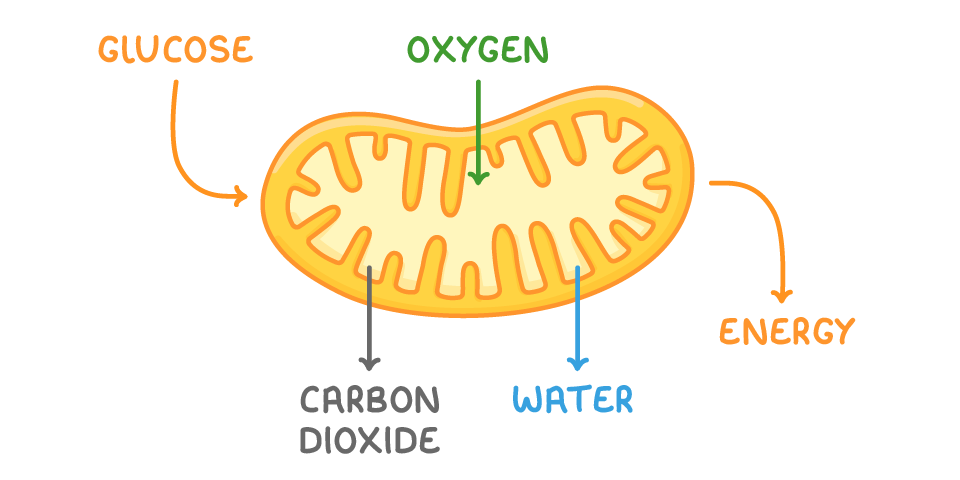
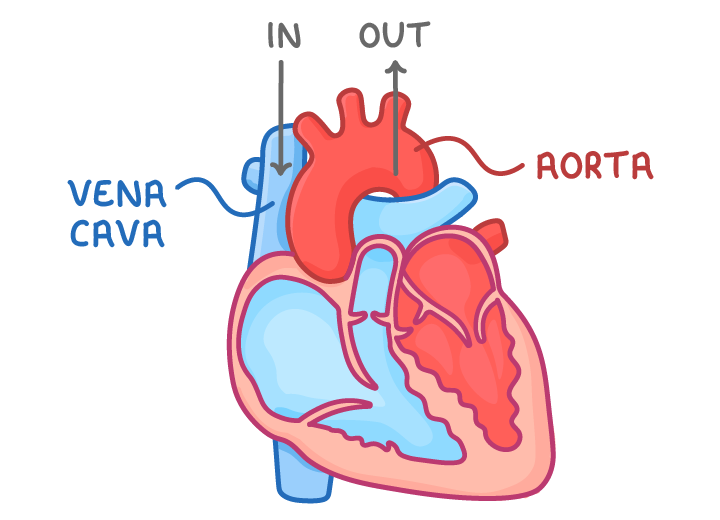
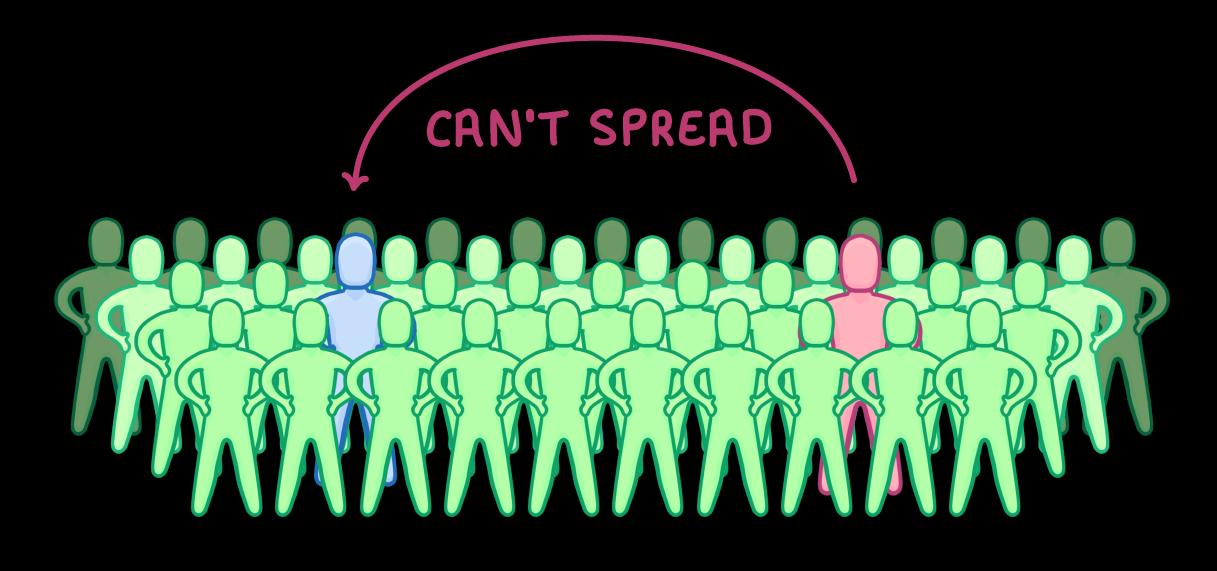
Diagrams drawn for the notes help you picture the harder ideas, like what happens inside a cell.
Key words are highlighted in the note. Hover over one, or tap it, and its meaning pops up, so you never have to look it up.
Each note ends with the key points to remember. Tick off the ones you're sure of, so you know what to come back to.
Each course's notes follow the topics its exam board sets, so your revision goes on what's in your exam.
People tend to learn more from words and pictures together, so the hard ideas are drawn as well as explained.
Each note is split into short, numbered sections, one idea each, so there's never too much to hold at once.
153 courses in 33 subjects, across 6 levels and 13 exam boards.
 Biology AQA, Edexcel Intl, Edexcel, CIE, OCR A, OCR B, SQA National 5, CCEA, WJEC, Oxford AQA
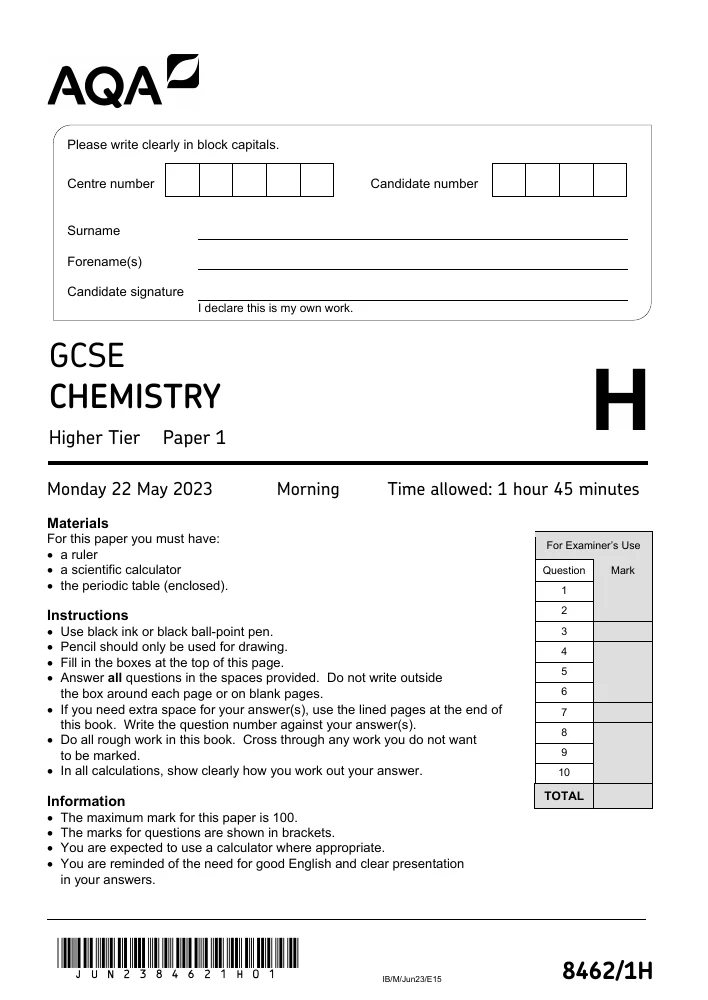
 Chemistry AQA, Edexcel Intl, CIE, Edexcel, OCR A, OCR B, SQA National 5, CCEA, WJEC, Oxford AQA
 Physics AQA, Edexcel Intl, CIE, Edexcel, OCR A, OCR B, SQA National 5, CCEA, WJEC, Oxford AQACombined Science AQA, Edexcel, Edexcel Intl, OCR A, CIE, OCR B, CCEA, WJEC, Oxford AQA
 Maths Edexcel, AQA, Edexcel Intl, CIE, OCR A, SQA National 5
 English Language AQA
 English Literature AQA, Edexcel, Edexcel Intl, CIE, OCR

Everything you need to get started is free. Pro takes the weekly limits away and opens up the rest.
Upgrade any time from your account
A free account lets you try everything, with weekly limits. Pro gives you all of this:
Upgrade any time from your account
How revision notes have helped them learn a topic.
Exactly what my board asks
"My old notes covered loads of stuff that wasn't on my spec. These are written for my course, so I'm not wasting time, and the key points at the end tell me what I actually need to remember."
The key words help
I hover the words I'm not sure about instead of googling them halfway through.
Short enough to finish
Each note tells you how long it takes, so I know I can fit one in before dinner.
Use them together, from learning a topic to getting it right in the exam.
Everything you need to know about Cognito, from getting started to making the most of your revision.
Open your course and choose a subtopic. The note shows its sections and reading time, picks out the key words as you read, and ends with the key points to remember.
Yes. Each course's notes are written for that course, so they cover what your exam board asks for.
Without an account you can read the first section of any note. A free account can open 5 notes a week, and Pro has no limit. Opening a note again that week is free.
No. Once you've read to the end, the note counts as done and your course page shows it.
Hover over any key word you're unsure of as you read. At the end, only tick the key points you're sure of, so the ones left are what to come back to.

It's free. Find your course, open a subtopic and start reading.