




Step 1
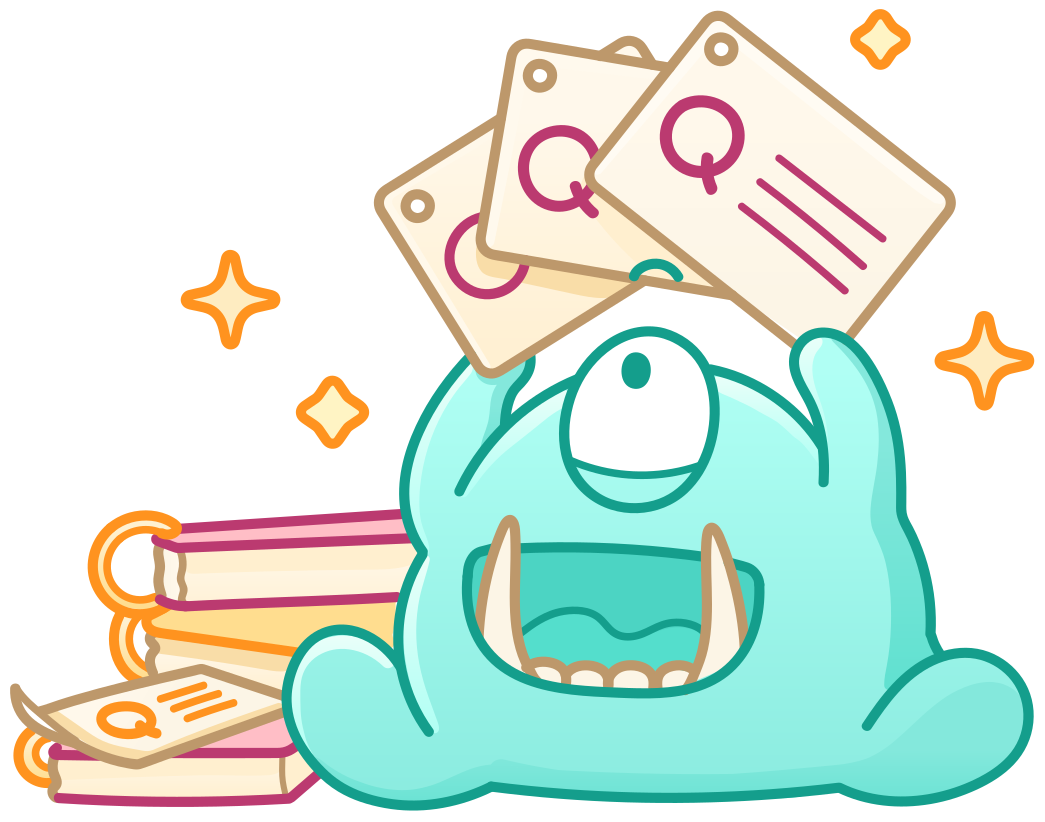
Flip the card
Read the front and say the answer to yourself, then tap the card to flip it and check.
Flashcards
Flip each card, rate it Confident or Still learning, then go back over the ones you're still learning.
Flip, rate, then go back over the cards you don't know yet.
Read the front and say the answer to yourself, then tap the card to flip it and check.
Mark each card Confident if you knew it straight away, or Still learning if you didn't.
At the end of the deck you see how many cards you're confident with, and how many you're still learning.
Redo learning deals you just the cards you marked Still learning, so your time goes on the ones you don't know yet.
Saying the answer before you flip makes you fetch it from memory, which makes it stick better than rereading.
Every subtopic has its own deck ready to go, so you can skip writing cards out and just start.
Swipe left or right on a phone. On a laptop, the space bar flips the card and the arrow keys rate it.
147 courses in 32 subjects, across 6 levels and 13 exam boards.
 Biology AQA, Edexcel Intl, Edexcel, CIE, OCR A, OCR B, SQA National 5, CCEA, WJEC, Oxford AQA
 Chemistry AQA, Edexcel Intl, CIE, Edexcel, OCR A, OCR B, SQA National 5, CCEA, WJEC, Oxford AQA
 Physics AQA, Edexcel Intl, CIE, Edexcel, OCR A, OCR B, SQA National 5, CCEA, WJEC, Oxford AQACombined Science AQA, Edexcel, Edexcel Intl, OCR A, CIE, OCR B, CCEA, WJEC, Oxford AQA
 English Language AQA
 English Literature AQA, Edexcel, Edexcel Intl, CIE, OCR
 Geography AQA, Edexcel B, Edexcel A, Edexcel Intl, OCR B, CIE, OCR A

Everything you need to get started is free. Pro takes the weekly limits away and opens up the rest.
Upgrade any time from your account
A free account lets you try everything, with weekly limits. Pro gives you all of this:
Upgrade any time from your account
How flashcards have helped them remember what matters.
I know what I don't know
"I go through a deck on the bus, and at the end it tells me how many I'm confident with. Then I redo the still learning ones until there aren't any left. It's quick and I can see it working."
Swiping is so quick
Swipe right if I know it, left if I don't. I can get through a whole deck in minutes.
My own deck before tests
Before a test I build one deck from all the subtopics and do the ones I got wrong.
Use them together, from learning a topic to getting it right in the exam.
Everything you need to know about Cognito, from getting started to making the most of your revision.
Open a subtopic's deck, flip each card and rate it Confident or Still learning. At the end, Redo learning takes you back through the cards you're still learning.
Yes, with a free account. Build a deck from any subtopics on your course in a revision session, and choose its mix of new, confident and still-learning cards: up to 15 cards on a free account, or 50 on Pro.
Without an account you can try the first three cards of any deck. A free account can open 5 decks a week, and Pro has no limit.
Yes. Space flips the card, the left arrow rates it Still learning and the right arrow Confident. On a phone, swipe left or right.
Say the answer before you flip, and only rate a card Confident if you knew it straight away. Then use Redo learning to go back over the ones you're still learning.

It's free. Find your course, open a subtopic's deck and start flipping.