




Step 1
Answer the question
Every subtopic has its own quiz. Pick, type, match or order your answer, depending on the question. Try this one.
Quizzes
Quick quizzes on the topics in your course, with different kinds of question and the answer after each one, so you know what's sticking.
Four steps from a subtopic's quiz to the questions you need to go over.
Every subtopic has its own quiz. Pick, type, match or order your answer, depending on the question. Try this one.
Press Check and you see at once whether you were right, and the right answer if you weren't.
At the end of the quiz you see how many marks you got and how long it took.
Redo mistakes takes you back through just the questions you got wrong, so you can try them again.
Remembering an answer strengthens it more than rereading it, and a typed answer leaves nothing to guess from.
Fill the blanks, match pairs, put steps in order or type it: each makes you use what you know differently.
Your answers are saved as you go, so you can stop part-way through and carry on later where you left off.
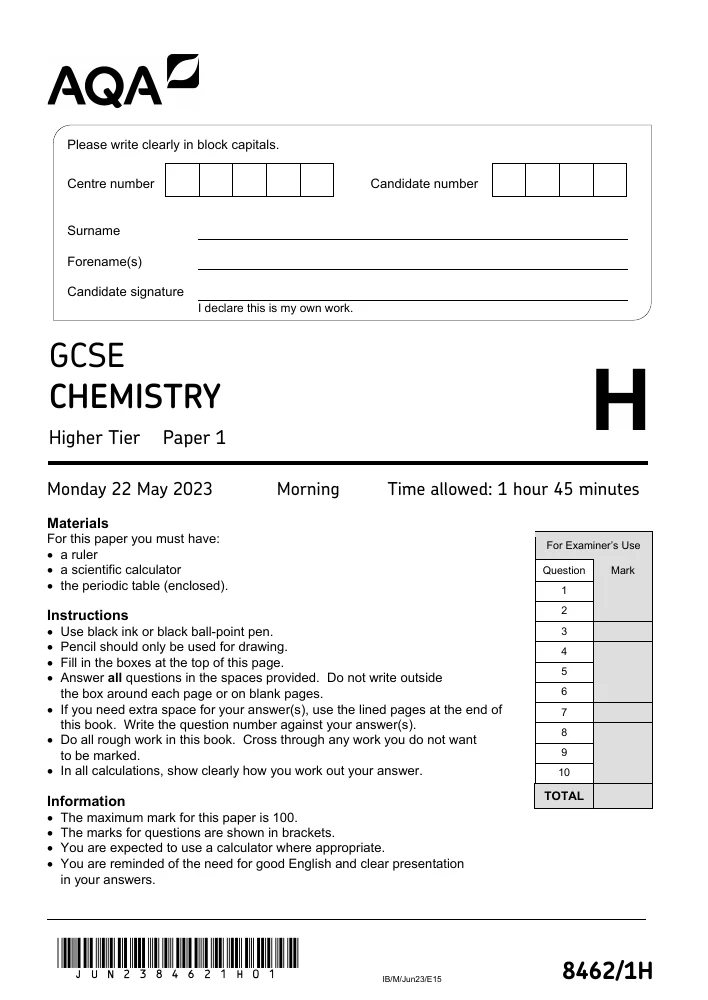
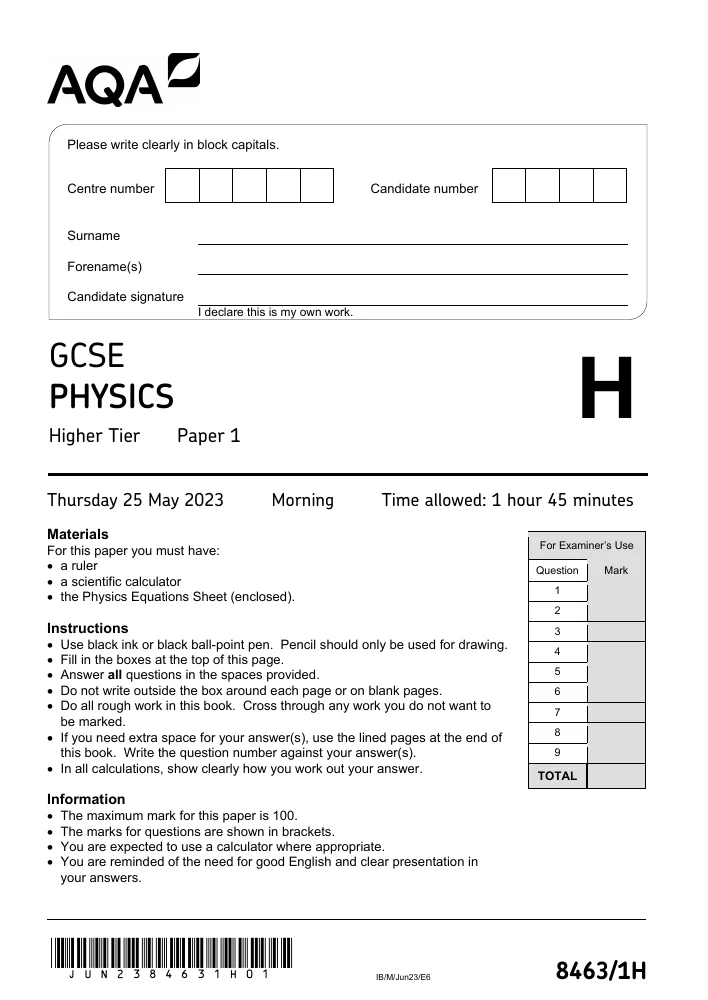
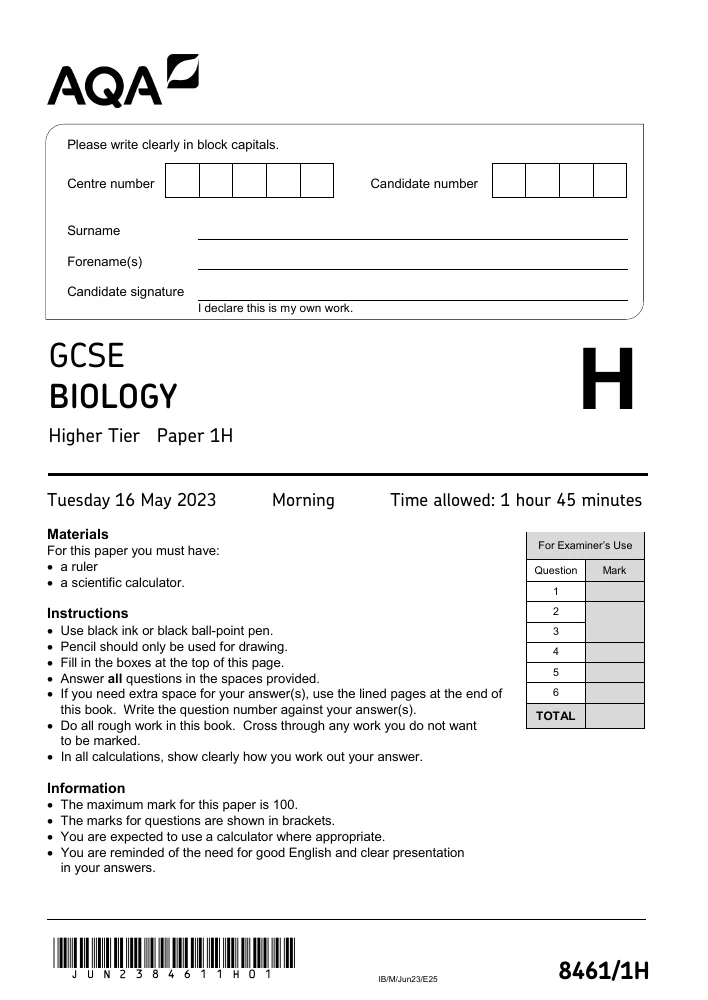
153 courses in 33 subjects, across 6 levels and 13 exam boards.
 Biology AQA, Edexcel Intl, Edexcel, CIE, OCR A, OCR B, SQA National 5, CCEA, WJEC, Oxford AQA
 Chemistry AQA, Edexcel Intl, CIE, Edexcel, OCR A, OCR B, SQA National 5, CCEA, WJEC, Oxford AQA
 Physics AQA, Edexcel Intl, CIE, Edexcel, OCR A, OCR B, SQA National 5, CCEA, WJEC, Oxford AQACombined Science AQA, Edexcel, Edexcel Intl, OCR A, CIE, OCR B, CCEA, WJEC, Oxford AQA
 Maths Edexcel, AQA, Edexcel Intl, CIE, OCR A, SQA National 5
 English Language AQA
 English Literature AQA, Edexcel, Edexcel Intl, CIE, OCR

Everything you need to get started is free. Pro takes the weekly limits away and opens up the rest.
Upgrade any time from your account
A free account lets you try everything, with weekly limits. Pro gives you all of this:
Upgrade any time from your account
How quizzes have changed the way they revise.
Revision that actually sticks
"I used to reread my notes and forget it all a week later. Now I do a quiz at the end of each topic and again a few days after. I see straight away which ones I got wrong, so I fix them there and then, and my score shows me what to go back to."
Quick enough to fit in
I do one on the bus to school. Five minutes and I know what I've forgotten.
Shows me my gaps
The score at the end tells me exactly which topics to go over again.
Use them together, from learning a topic to getting it right in the exam.
Everything you need to know about Cognito, from getting started to making the most of your revision.
Open a subtopic's quiz and answer its questions: multiple choice, fill in the blanks, typed answers, matching pairs and putting in order. Check each one to see if you were right, and at the end Redo mistakes takes you back through the ones you got wrong.
Yes. A free account can take 5 quizzes a week, and Pro has no limit.
Yes. Your answers are saved as you go, so you can pick up where you left off.
Our GCSE and A-level courses, across the main exam boards. Find your course above to see its topics.
Try to remember each answer before you look at the options, and read the right answer when you miss one. Then use Redo mistakes at the end to go back over the ones you got wrong.

It's free to start. Pick a topic from your course and find out what you know in a few minutes.