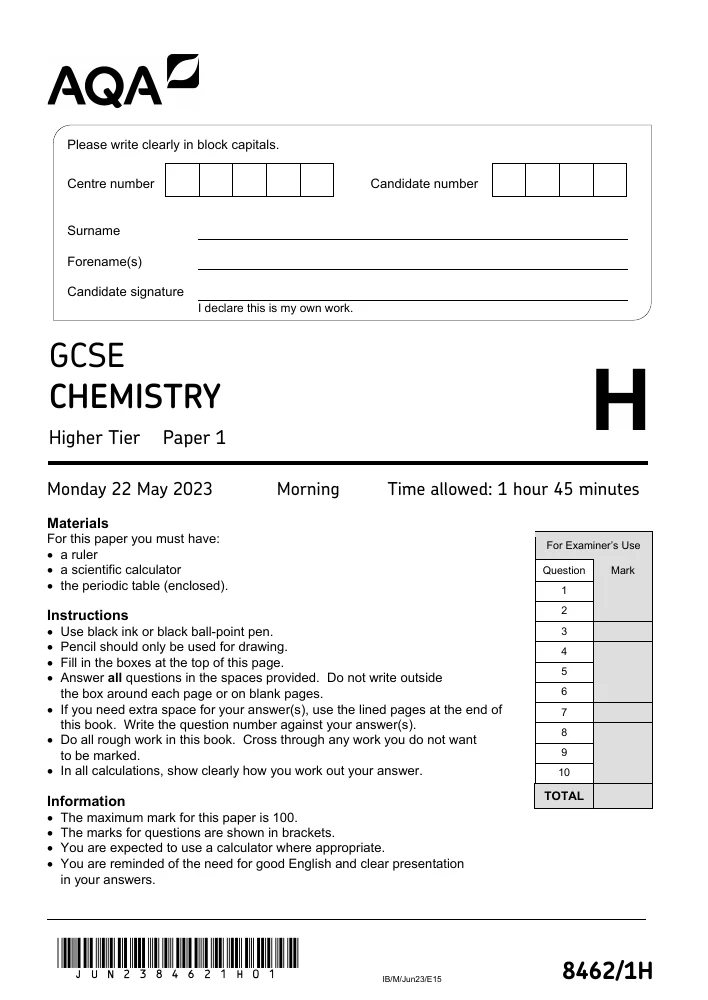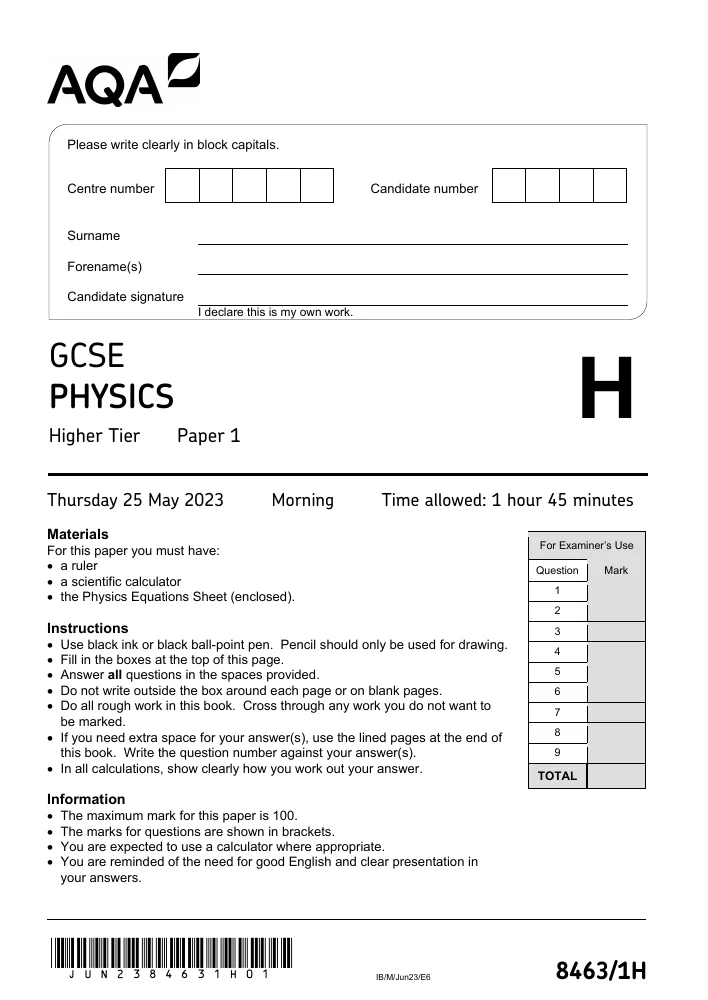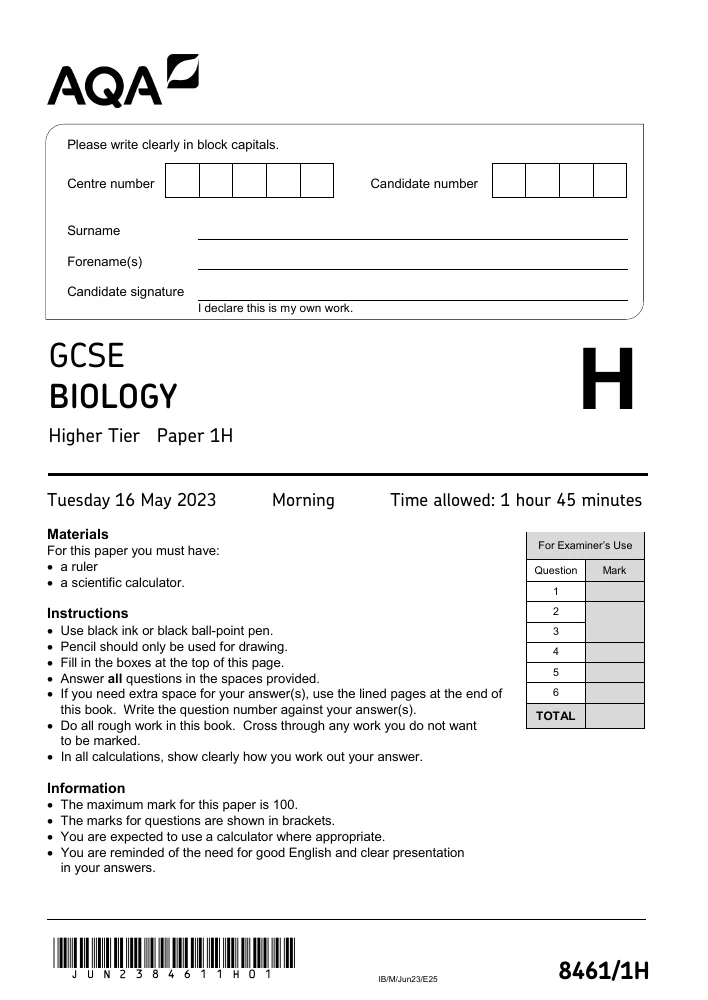





Watch it in your notes
Every lesson sits in its subtopic's revision notes, which are written for your course, so you can read on as soon as it ends.
Video lessons
Videos in your revision notes, split into timestamped sections that show what's on your course.
Short lessons for GCSE Biology, Chemistry and Physics, cut down to what your course needs.
Every lesson sits in its subtopic's revision notes, which are written for your course, so you can read on as soon as it ends.
Turn on the timestamps to see the video's sections. Press a time to go straight to that part, as often as you need to.
One video is made for every exam board, so it counts the sections that match your course and marks the rest Outside your course.
If your course needs something the video doesn't teach, What's not covered says what it is, and that your notes have it.
Each idea is drawn as it's explained, because people tend to learn more from words and pictures together.
Sections can carry a note for your course: a term your specification words differently, or a Higher-only part.
Each lesson teaches a whole subtopic in about five minutes, so one fits in before school or between lessons.
Real lessons from each course. Press one to watch it.

Everything you need to get started is free. Pro takes the weekly limits away and opens up the rest.
Upgrade any time from your account
A free account lets you try everything, with weekly limits. Pro gives you all of this:
Upgrade any time from your account
How video lessons have helped them understand a topic.
Straight to the bit I needed
"I only didn't get negative feedback, so I pressed its time and watched that part twice. The note under it told me what my exam board actually wants, which my teacher hadn't said."
I know what to skip
The sections that aren't on my course are greyed out, so I don't waste time on them.
Video then notes
I watch the video first, then read the notes underneath. It sticks much better.
Use them together, from learning a topic to getting it right in the exam.
Everything you need to know about Cognito, from getting started to making the most of your revision.
Open a subtopic's revision notes and watch its video. Turn on the timestamps to see its sections, and press a time to jump to that part.
Each video is made for every exam board, so it shows which of its sections match your course and marks the rest. The notes beside it are written for your course and cover anything the video doesn't.
Yes. Each video sits in its subtopic's revision notes, and a free account can open 5 notes a week. Pro has no limit.
Our GCSE Biology, Chemistry and Physics courses. Find yours above to see its videos.
Turn on the timestamps and go straight to the part you're unsure about, rather than watching from the start. Then try the subtopic's quiz straight after, while it's fresh.

It's free. Find your course, open a subtopic's notes and jump to the part you need.