




Step 1
Choose an activity
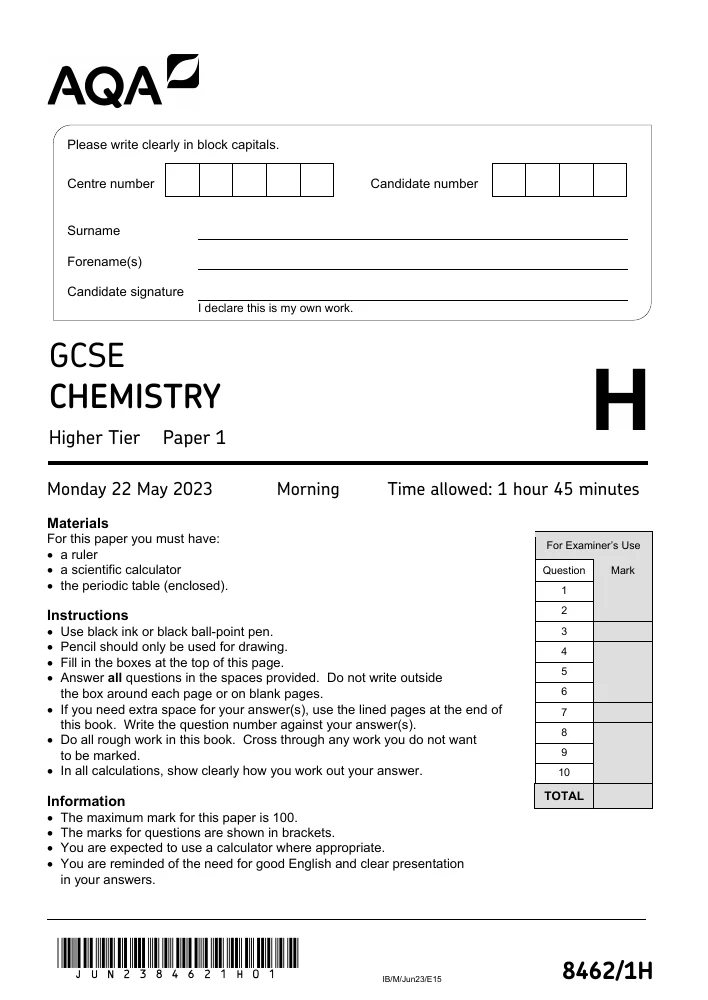
Start from your course and pick what to practise: a quiz, a flashcard deck, or exam questions where your course has them.
Revision sessions
Pick a quiz, flashcards or exam questions, choose your subtopics, and set the mix of new questions and past mistakes.
Four steps from your course to one session on the subtopics you pick.
Start from your course and pick what to practise: a quiz, a flashcard deck, or exam questions where your course has them.
Tick the subtopics you want, from one topic or several, or a whole topic at once. Search a keyword to find the ones that cover it.
Choose how many questions or cards. For quizzes and flashcards, pick the blend too: mostly new with Learn, a bit of everything with Balanced, or your past mistakes with Fix mistakes.
Press Start and it runs like any quiz, flashcard deck or exam on Cognito, built from the subtopics and the mix you chose.
Switching between topics makes you work out what each question is asking, which research links to better memory.
Fix mistakes builds the session from questions you got wrong before, so your revision goes where it's needed.
Choose how many questions or cards to do, from a handful up to 15 on a free account, and more on Pro.
153 courses in 33 subjects, across 6 levels and 13 exam boards.
 Biology AQA, Edexcel Intl, Edexcel, CIE, OCR A, OCR B, SQA National 5, CCEA, WJEC, Oxford AQA
 Chemistry AQA, Edexcel Intl, CIE, Edexcel, OCR A, OCR B, SQA National 5, CCEA, WJEC, Oxford AQA
 Physics AQA, Edexcel Intl, CIE, Edexcel, OCR A, OCR B, SQA National 5, CCEA, WJEC, Oxford AQACombined Science AQA, Edexcel, Edexcel Intl, OCR A, CIE, OCR B, CCEA, WJEC, Oxford AQA
 Maths Edexcel, AQA, Edexcel Intl, CIE, OCR A, SQA National 5
 English Language AQA
 English Literature AQA, Edexcel, Edexcel Intl, CIE, OCR

Everything you need to get started is free. Pro takes the weekly limits away and opens up the rest.
Upgrade any time from your account
A free account lets you try everything, with weekly limits. Pro gives you all of this:
Upgrade any time from your account
How revision sessions have helped them focus their revision.
All my weak spots in one go
"Before a mock I pick the subtopics I keep getting wrong, from different topics, and do them as one quiz on Fix mistakes. It saves me jumping between pages, and by the end I can see which ones still need work."
Short and focused
I set a quiz of ten questions on a couple of subtopics most evenings. It never feels like too much.
Flashcards across topics
I build one deck from all the topics in a paper and go through the cards I'm still learning.
Use them together, from learning a topic to getting it right in the exam.
Everything you need to know about Cognito, from getting started to making the most of your revision.
From your course, choose an activity, tick the subtopics you want, then set how many questions and the mix. Press Start and the session runs like any quiz, flashcard deck or exam on Cognito.
No. Each session is one activity: a quiz, a flashcard deck or exam questions. It can cover as many subtopics as you like, from different topics.
Learn picks mostly new questions, with a few you got wrong before. Balanced blends new questions with ones you've answered before. Fix mistakes uses only the ones you got wrong. Advanced options lets you set the exact numbers for quizzes and flashcards.
Yes. A free account can put up to 15 questions or cards in a session. Pro raises that to 50, or 20 for exam questions.
Pick subtopics from more than one topic, so you have to work out what each question is asking. Then use Fix mistakes to go back over the ones you got wrong.

It's free. Choose an activity and your subtopics, set the mix, and start.